Optimization Report
This guide introduces the optimization status, best solution, objective breakdown, and search history in Optimization Report. Use them to assess whether the result is reliable and decide whether to write the parameters back to the structure.
Analysis Entry
| Current results page | Method page |
|---|---|
optimization on R / T / A targets | RTA and Layer Absorption Analysis |
| optimizer position inside the full workflow | Overview |
| post-optimization validation of local fields and local absorption | Depth Detector Analysis |
Result Structure
The Optimization Report page contains the following modules (some appear only after a grid-mode run):
| Module | Display condition | Purpose |
|---|---|---|
Overview | Always shown | Quick summary of best fitness, runtime, evaluation count, and algorithm info |
Grid Summary | Grid mode only | Statistics from the grid search phase |
Seed Results | Grid mode only | Local optimization result for each seed, with per-seed apply |
Best Solution | Always shown | Global best variable values, with apply-to-structure support |
Evaluations | Always shown | Per-evaluation parameter combinations and improvement records |
Objective Breakdown | Multi-objective runs | Individual score for each objective |
Optimization Configuration | Always shown | Actual algorithm and parameter configuration used in this run |
Overview
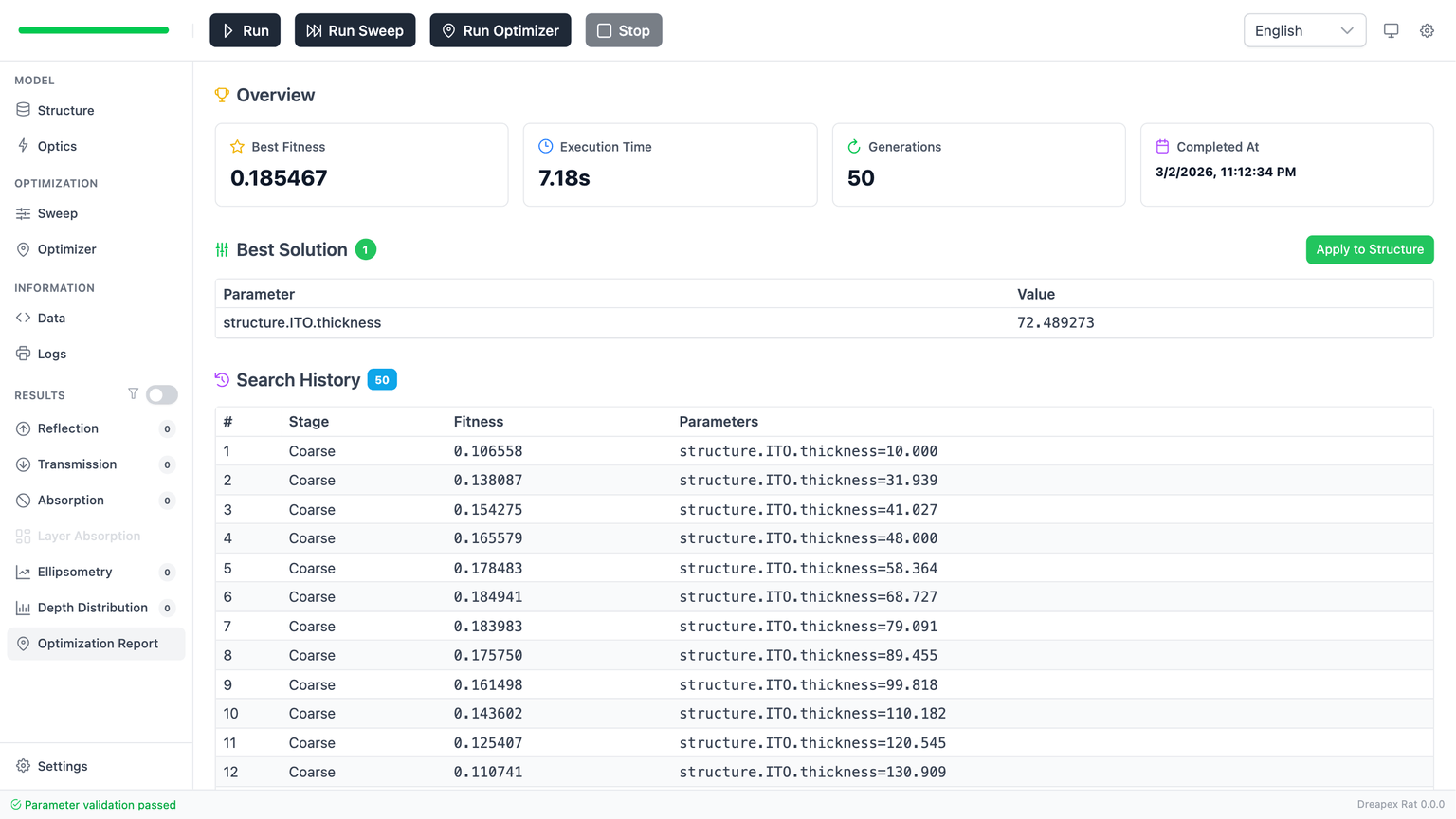
The Overview section displays four summary cards: Best Fitness, Execution Time, Evaluations (completed/budget), and Algorithm (type and termination status).
Overview is the first filter layer. Four cards provide a quick assessment of whether the run is worth deeper analysis.
| Metric | Meaning |
|---|---|
Best Fitness | Global best fitness value |
Execution Time | Total optimization runtime |
Evaluations | Completed evaluations / total evaluation budget (e.g. 150 / 200) |
Algorithm | Algorithm name (TRF / L-BFGS-B / Nelder-Mead) and termination status |
Priority checks:
- Whether
Best Fitnessis meaningfully better than the starting design. - Whether
Evaluationsconsumed the expected budget. - Whether the algorithm termination status is
completed.
Grid Summary
Appears only after a grid-mode run. Shows key statistics from the grid search phase:
| Field | Meaning |
|---|---|
Total Grid Points | Total grid sample count |
Completed Grid Samples | Actual number of grid evaluations completed |
Requested Top K Seeds | User-configured seed count |
Selected Seed Count | Actual number of seeds that entered local optimization |
If Selected Seed Count is less than Requested Top K Seeds, there were typically not enough feasible grid points.
Seed Results
Appears only after a grid-mode run. Lists the local optimization result for each seed.
| Column | Meaning |
|---|---|
Seed | Seed label (e.g. Seed 1, Seed 2) |
Grid Rank | Rank of this seed in the grid evaluation |
Grid Score | Fitness of this seed in the grid phase |
Best Fitness | Best fitness after local optimization |
Evaluations | Number of local evaluations consumed by this seed |
Status | Termination status of the seed |
| Variable columns | Best variable values found by this seed |
Apply to Structure | Write this seed's best solution back to the structure |
The global best seed is highlighted in green. Each seed can be independently applied to the structure.
The expand toggle on the left side of each row opens a Per-Seed Objective Breakdown panel listing each objective's score and actual value at that seed's best solution, plus a difference sparkline (target vs. actual curve) for Curve Fit / Color Match objectives:
| Column | Meaning |
|---|---|
Mode | Scoring mode of the objective (Point / Band / Curve Fit / Color Match) |
Target | Target quantity and locator (e.g. Reflectance @ 550 nm) |
Goal | Goal summary (e.g. Maximize / Hit Target 0.92 / Curve Fit · RMSE) |
Value | Actual value at this seed's best solution; Curve Fit objectives show a sparkline (hover for RMSE) |
Score | This objective's score at this seed's best solution |
If a seed's total fitness looks good but the result feels wrong, expand that seed's per-seed breakdown first — find out which objective is dragging the weighted score up or down before being misled by the aggregate number.
Best Solution
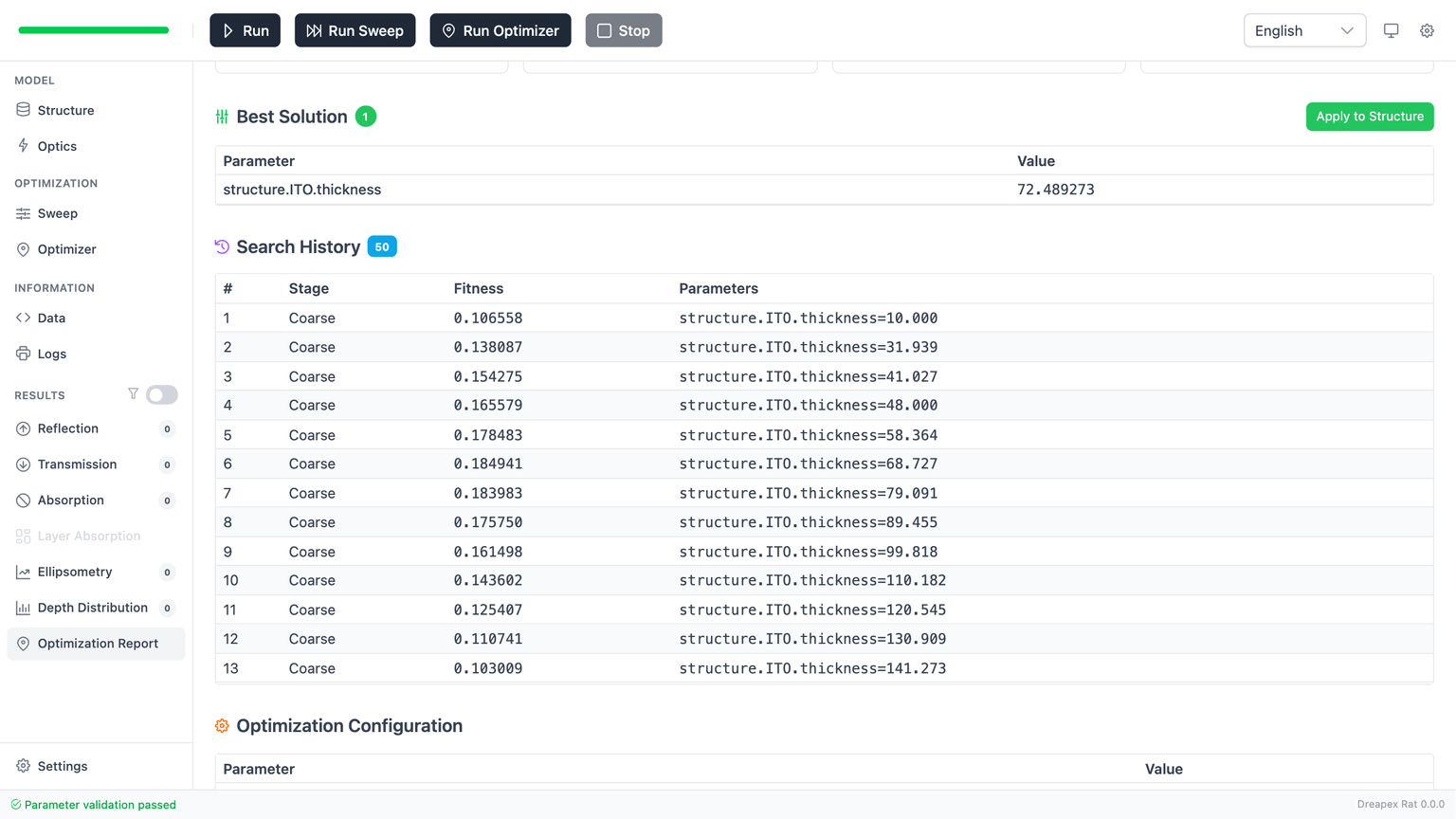
Best Solution lists the global best variable paths and values. This is the most direct engineering output.
Parameter names use the fully expanded path form (e.g. structure.ITO.thickness) and should map directly back to variable paths configured in Optimizer.
The Apply to Structure button writes the best variable values back into the live model. Before using it, confirm two things:
- The proposed values are still manufacturable.
- You are prepared to run a normal forward calculation and verify the physical response.
Evaluations
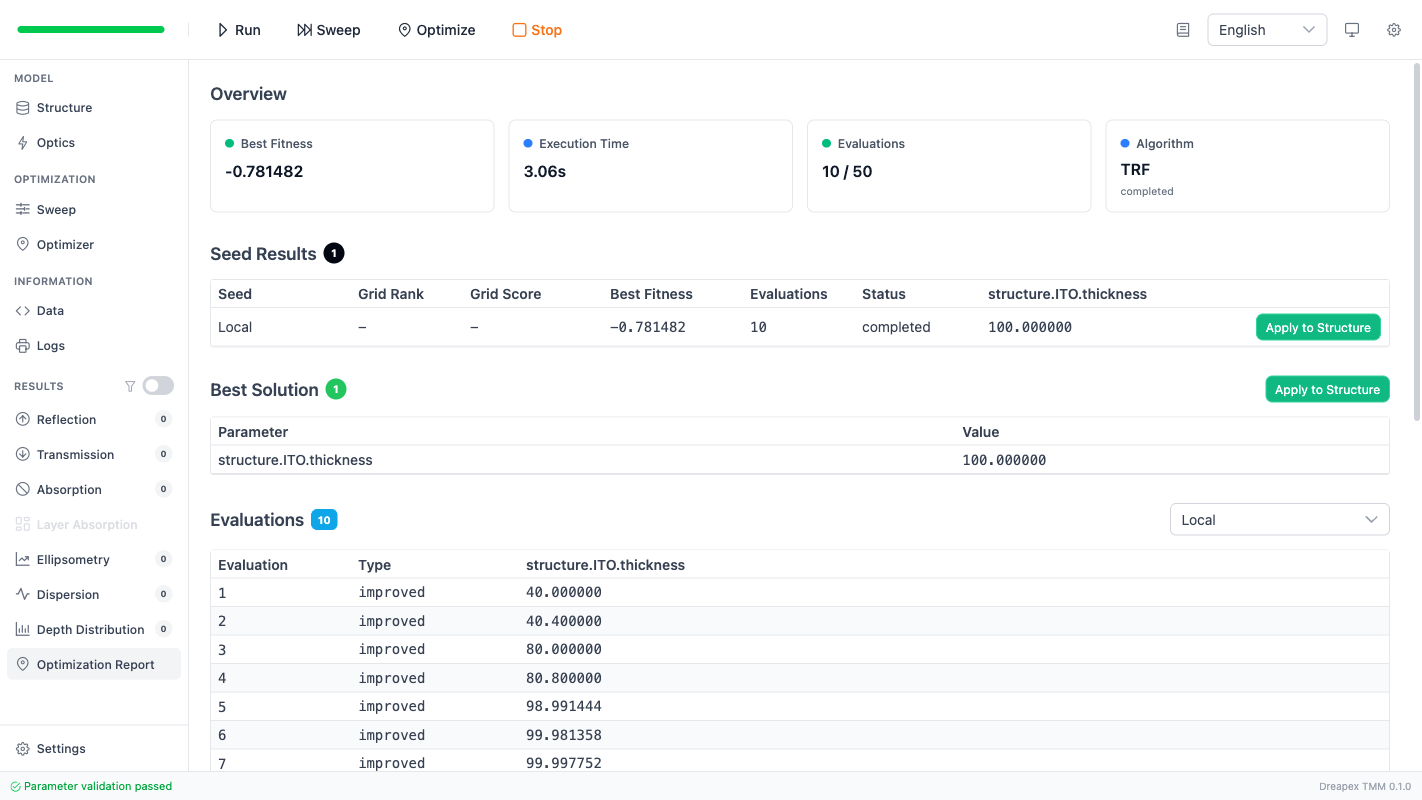
Evaluations records the step-by-step evaluation history during local optimization.
| Column | Meaning |
|---|---|
Evaluation | Evaluation sequence number |
Type | Type label (evaluation = regular evaluation, improved = a new best was found) |
| Variable columns | Parameter combination at this evaluation point |
In grid mode, a dropdown at the top allows filtering by seed. The last improved entry is highlighted in green, marking the final improvement point in the run.
This table is primarily used to judge whether the search converged into a credible region. If parameters remain widely scattered across the full range, the target landscape may be too flat, the budget may be too small, or the chosen variable may not be sensitive enough.
Objective Breakdown
Appears in multi-objective runs. Lists each objective's individual score at the best solution:
| Column | Meaning |
|---|---|
Objective | Objective label |
Target | Target quantity |
Score | Score for this objective |
Useful for identifying conflicts between objectives. If one objective's score is significantly worse, consider adjusting its weight or target value.
Optimization Configuration
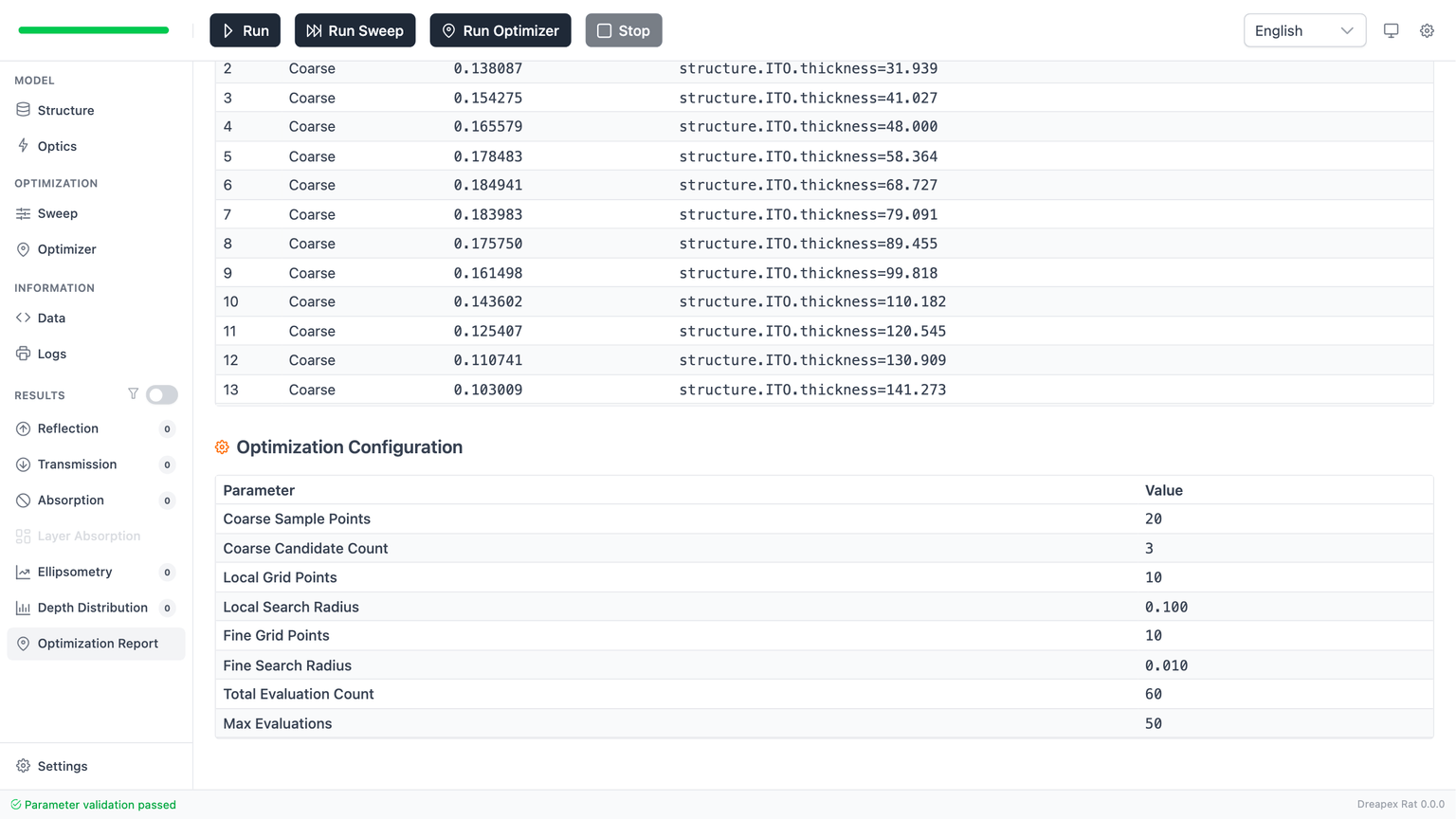
Records the actual algorithm configuration used in this run.
The table currently shows:
Job ID: run task identifierStatus: termination statusMax EvaluationsorMax Local Evaluations Per Seed(depending on whether grid mode was used)- Algorithm-specific parameters (e.g.
stepRatio,ftol,xtol, etc.) - Grid parameters (e.g.
enabled,samplesPerVariable,topKSeeds)
Review Flow
To judge whether an optimization run is worth keeping:
Overview: decide whether the run merits deeper analysis.Grid Summary/Seed Results(if present): confirm grid coverage and seed count.Best Solution: identify the reported optimum.Evaluations: confirm the search actually converged.Objective Breakdown(if present): confirm scores are balanced across objectives.Optimization Configuration: confirm the real search workload and budget.- If needed, use
Apply to Structure, return to the physics result pages, and rerun.
Common Errors and Checks
No data on the page
- Whether
Run Optimizerwas actually executed. - Whether the optimizer configuration passed validation.
- Whether at least one objective and one variable remain enabled.
Optimization failure in report
The page surfaces failure states directly. Check:
- Whether variable bounds are valid (
min < max). - Whether variable paths still point to existing model items.
- Whether objective settings conflict with the current model.
Unstable optimum
- Click
Apply to Structure. - Rerun a normal forward calculation.
- Verify that the physical result pages still support the optimization claim.
Only a solution that remains valid after a forward rerun is a design candidate worth carrying forward.
Next Step
If the current task is to place the best solution back into an application workflow, continue with RTA and Layer Absorption Analysis or Overview, following the sequence "result confirmation -> sweep -> optimization -> result back-check".