Model File Import / Export
Use a .tmm.json model file to save the current model configuration, move it to another computer, or send it to a collaborator. The file preserves the configuration that Dreapex TMM needs to rebuild the model. It does not carry calculation results.
| Use case | Recommended action |
|---|---|
| Archive candidate designs | Export each design as a separate .tmm.json file |
| Move a model to another computer | Export the file, then import it in Dreapex TMM on the other computer |
| Protect work before loading a built-in example | Export the current model before opening a Case Library entry |
| Send a reproducible setup for review | Send the .tmm.json file together with any result screenshots needed for the discussion |
Entry points
The adjacent Import and Export controls follow Stop in the top toolbar. Export is the name shown by the application; its downward-arrow is only an icon.
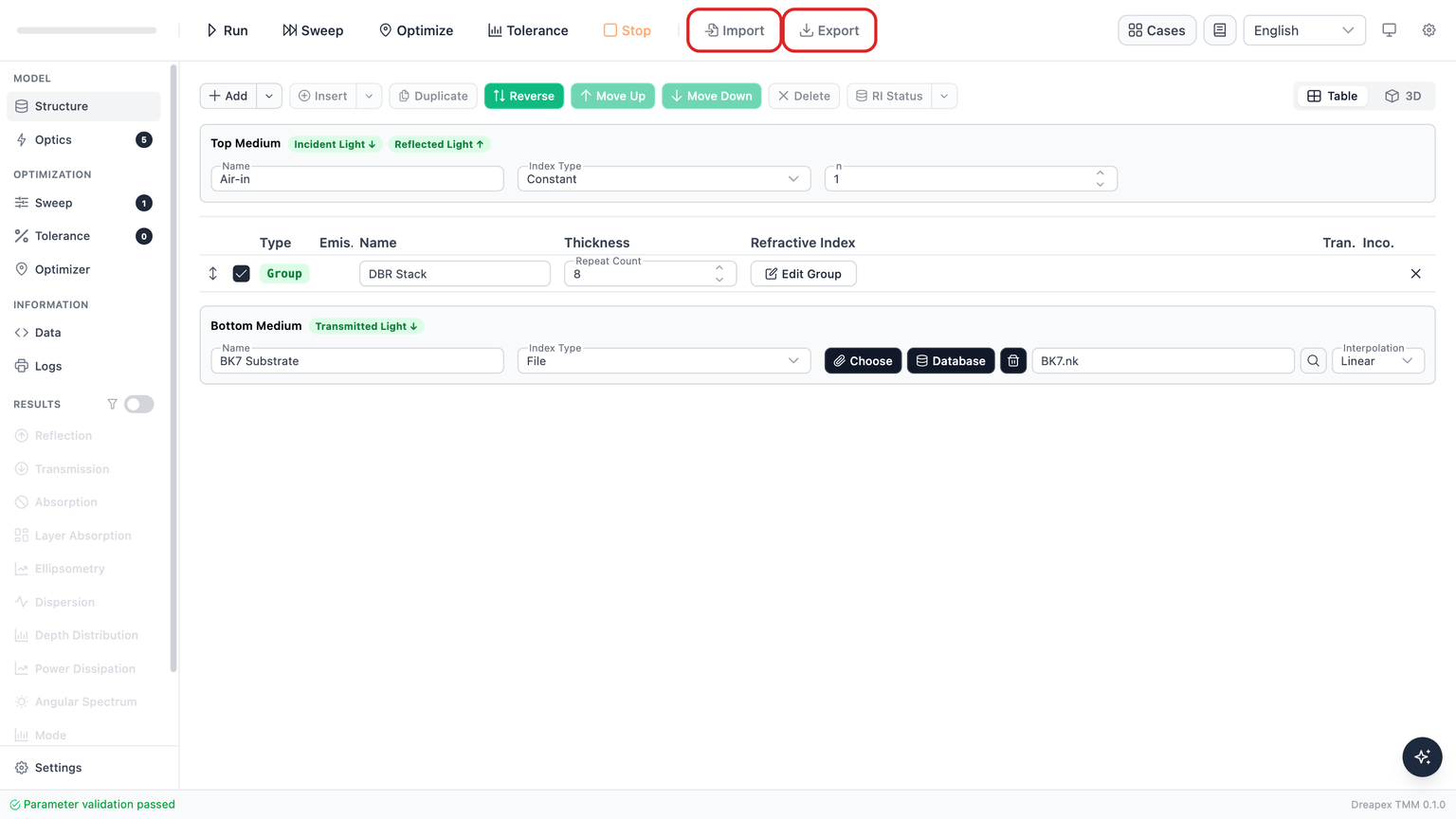
The red outlines are documentation annotations. They identify the two controls without changing the labels shown by the application.
| Control | Action |
|---|---|
Import | Select one local .tmm.json model file |
Export | Save the current model configuration as a .tmm.json file |
File format and scope
| Item | Current behavior |
|---|---|
| File extension | .tmm.json |
| File contents | Readable, formatted JSON for the current model configuration |
| Default export name | tmm-project-{YYYY-MM-DD}.tmm.json |
| Import acceptance | The file name must end in .tmm.json; import one file at a time |
| File-size limit | 10 MB |
| Not included | Results, Settings, Logs, and temporary UI state |
Export flow
- Click
Exportin the top toolbar. - The browser saves a file named
tmm-project-{YYYY-MM-DD}.tmm.jsonunless you rename it in the browser. - A successful export shows
Model exportedandDownloaded {fileName}..
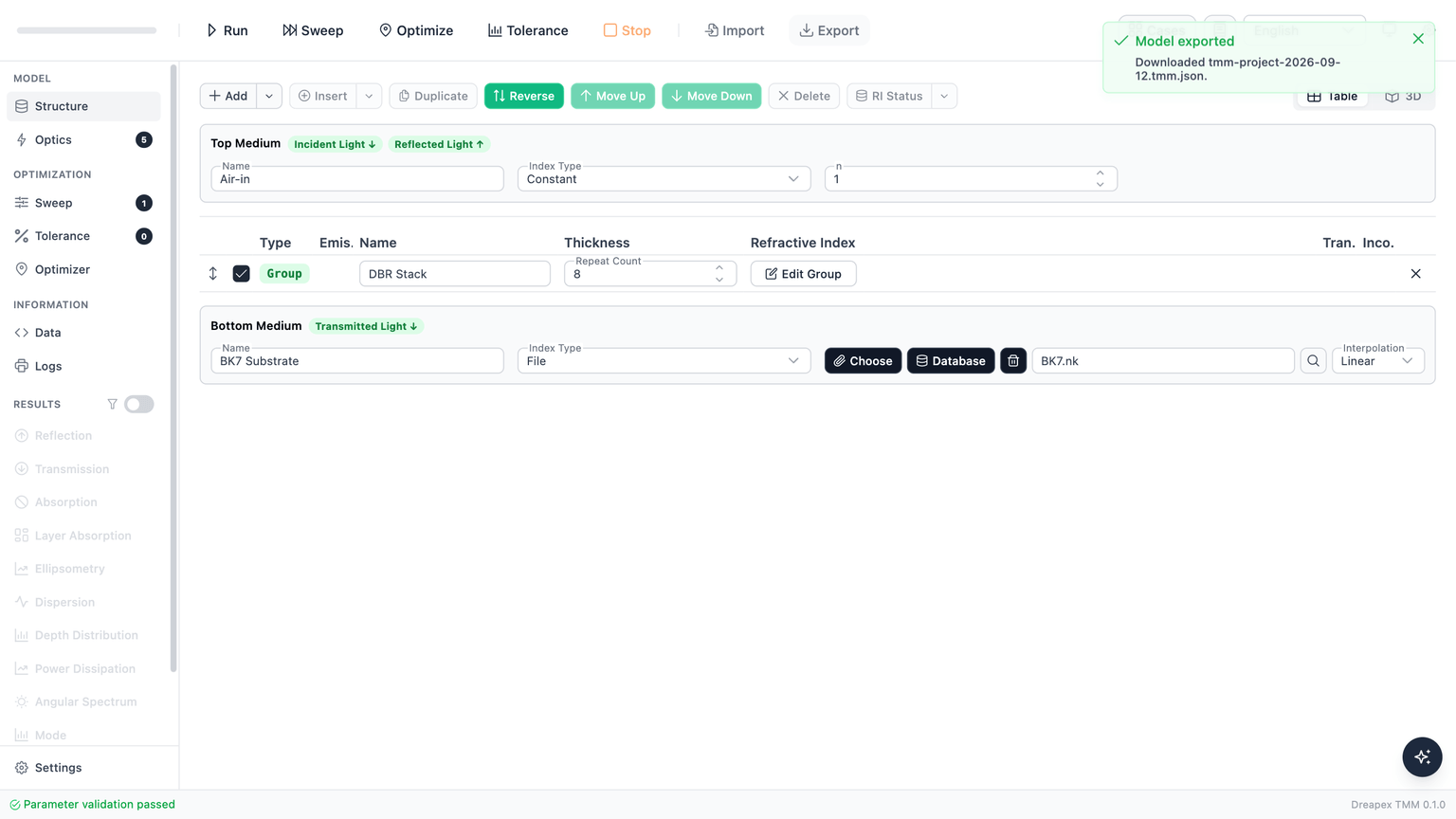
Downloaded {fileName}. is the detail text of the success notification. It is not the name of the Export control.
Export does not start a calculation. It saves the model configuration that is currently open, including a configuration that still needs parameter corrections.
Import flow
- Click
Importin the top toolbar. - Select one
.tmm.jsonfile. - Dreapex TMM checks the file name, size, JSON content, and version before offering to replace the current model.
- The
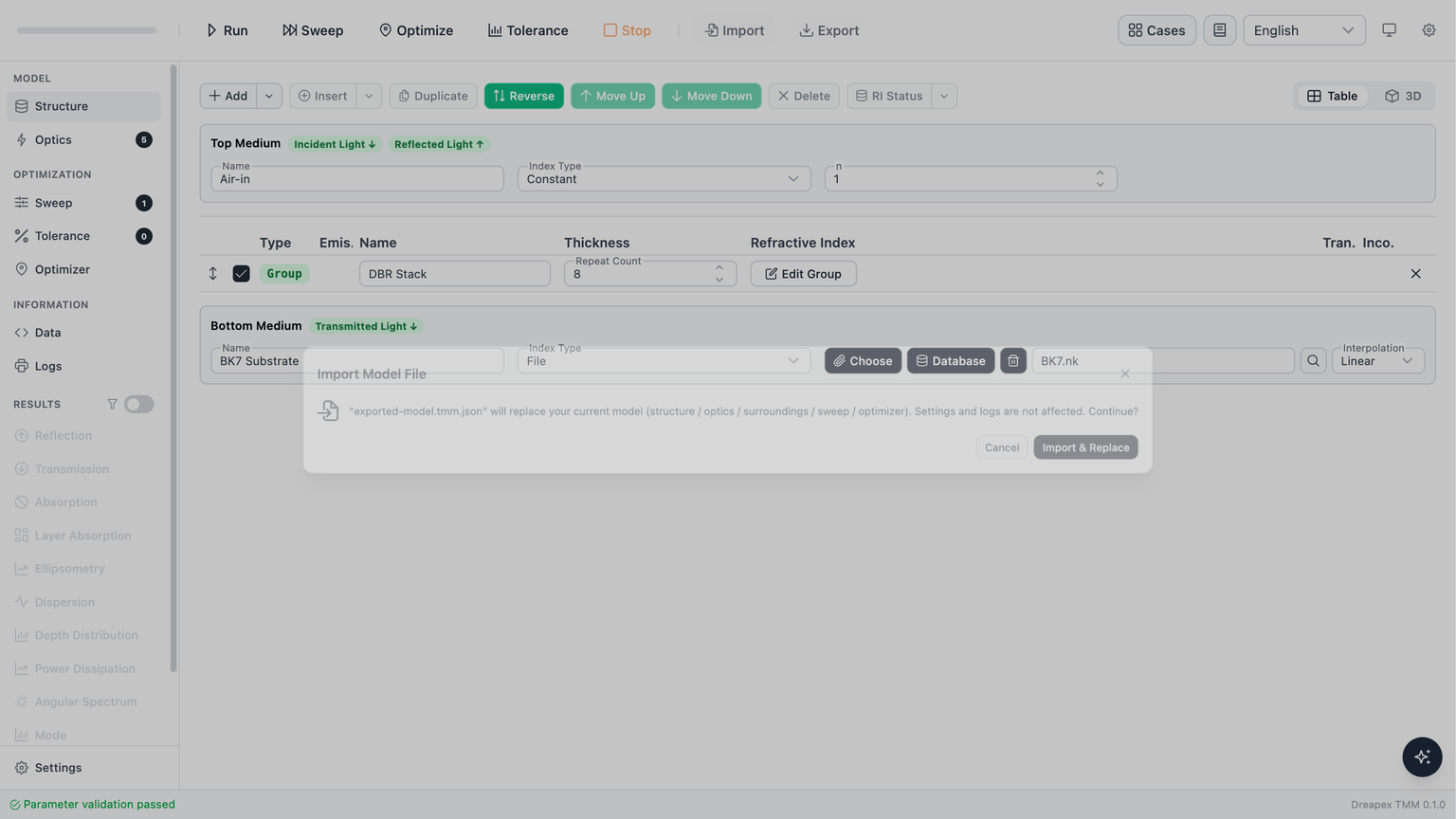
Import Model Fileconfirmation dialog states that the current model will be replaced and thatSettingsandLogsare unaffected. ChooseImport & Replaceto apply the file, orCancelto keep the current model.
- After a complete import, the notification reads
Model loaded from file; its detail identifies the file and the version that was applied. If part of a file cannot be used, the notification readsModel imported partiallyand asks you to review the reset settings.
Import messages
| Situation | What Dreapex TMM reports | Action |
|---|---|---|
File name does not end in .tmm.json | Import failed | Select a .tmm.json model file. A plain .json file is not accepted. |
| More than one file is selected | Import failed | Import exactly one model file. |
| File is larger than 10 MB | Import failed | Export the model again, then confirm that the selected file is the model file. |
| File is not valid JSON | Import failed | Obtain a new export instead of editing a damaged file. |
| File is not a TMM project file | Import failed | Confirm that the file was exported from Dreapex TMM. |
| File was created by a newer TMM version | Import failed | Update Dreapex TMM and try again. |
| File is corrupted or incompatible | Import failed | Obtain a new export from the source model. |
Version checks and sharing
Dreapex TMM checks a model file's version before it opens the replacement dialog. A file created by a newer app version is not applied. Update the app first, then import the file again.
Import restores model configuration, not calculation output. Run the required calculation again after importing so that Results correspond to the restored model.
| Goal | Choose |
|---|---|
| Send or archive a model configuration | .tmm.json through Export and Import |
| Send a one-click link | URL Config Sharing |
| Start from a built-in example | Case Library |